
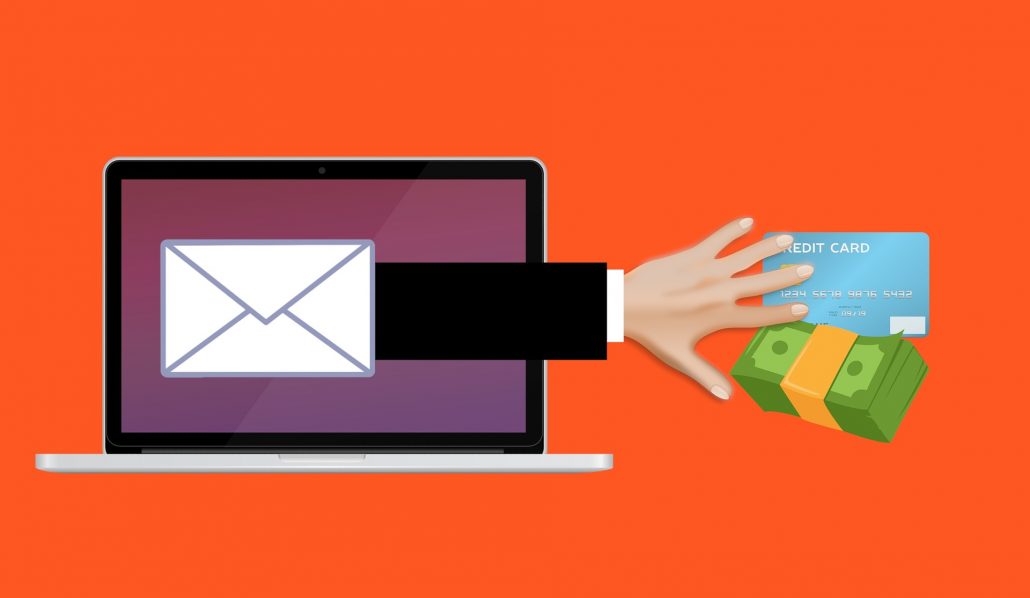
Phishing is a social engineering attack often used to steal user data, including login credentials and credit card numbers. An attacker masquerading as a trusted entity dupes a victim into opening an email, instant message, or text message, tricking them into clicking a malicious link that can install malware, freeze the system in a ransomware attack, or reveal sensitive information.
Common Phishing Techniques
- Breach of Trust — a spoofed email that looks like it’s from your bank, leading to a fake login page that steals your credentials.
- False Lottery — a prize notification, seemingly from someone you trust, that loads malware when clicked.
- Data Update — a normal-looking attached document that installs malware, potentially logging keystrokes for months.
- Sentimental Abuse — an emotional appeal for donations that leads to a bogus charity site stealing credit card details.
- Impersonation — a request, seemingly from your boss, to wire money urgently to an untraceable account.
Preventing Phishing Attacks
- Stay informed about new phishing techniques, with ongoing security awareness training for staff.
- Think before you click — hover over links, be wary of generic greetings like ‘Dear Customer’, and go directly to the source when unsure.
- Install an anti-phishing toolbar in your browser to flag known malicious sites.
- Verify a site’s security — look for ‘https’ and a lock icon before entering any information.
- Check your accounts regularly and change passwords often.
- Keep your browser updated to patch newly discovered security holes.
- Use firewalls — both a desktop firewall and a network firewall.
- Be wary of pop-ups — close them with the window’s ‘x’, not a ‘cancel’ button.
- Never give out personal information over email — call the company directly if in doubt.
- Use antivirus software and keep it updated with the latest definitions.
Leave a Reply